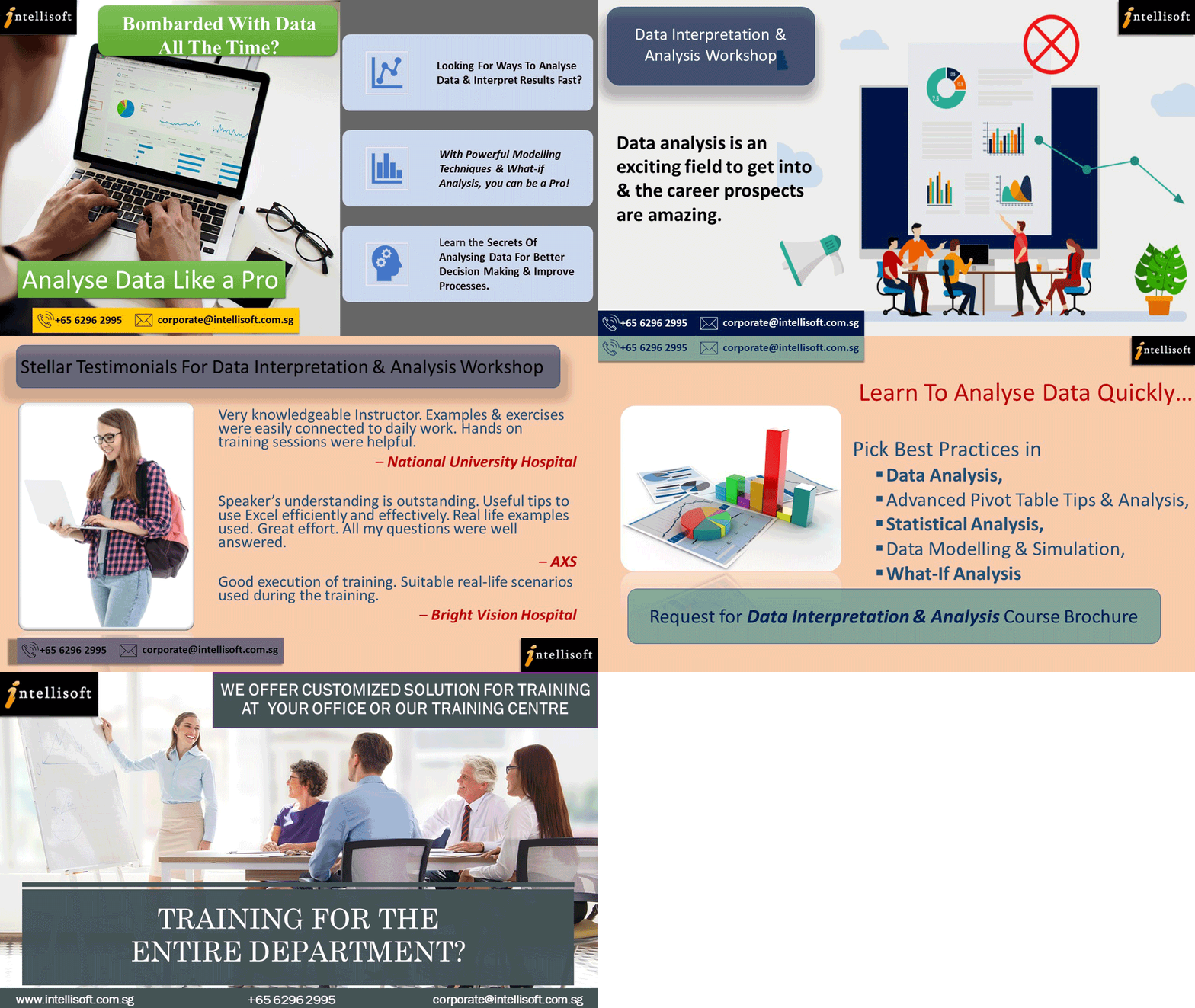

Data Analytics Training with Microsoft Excel provides you with the secrets of Analyzing & Interpreting Data for discovering useful information, gaining valuable insights into your data, and aiding in decision making.
Learning Data Science, Data Visualisation & Data Analysis are key skills in gaining a deeper understanding of your data and making better decisions. They help in analyzing the performance of the business & continuous improvement of processes.
This course covers a number of Statistical Data Analysis Techniques for Predictive Analytics. Each method is demonstrated with examples & exercises for your own business analytics.
Classroom-based lectures with hands-on exercises on analyzing data using Microsoft Excel are used in this workshop to analyze & visualize data and find meaningful information. Data and business analytics provide valuable insights to the management.
SDF Funding is available to Singapore Companies (For company-sponsored participants). Call +65 6250-3575 for Details. SkillsFuture credits ready for Excel Data Analytics Training for Singaporeans.
UTAP Funding: NTUC Members can utilize UTAP to offset 50% of the remaining fees*.
Attend this extremely Practical & Hands-on business analytics Training with our Excel Guru, Master Trainer Mr Vinai Prakash, PMP, MBA, Six Sigma, GAP, ITIL Certified ACTA Trainer.
Mr Vinai has over 30+ years of experience in Data Warehousing, Data Quality, Data Mining, and Advanced Data Analytics & Business Intelligence, and has trained over 22,000 participants in over 27 countries.
Training Duration: 2 Full Days of Excel Data Analytics Course in Singapore, on Understanding & Interpreting Data Using Microsoft Excel 2019 / 2016 or Microsoft Office 365.
Business Data Analytics Course Coverage in
Data Interpretation & Analysis
Quality & Decision Support Systems
Understanding Data & Forecasting Statistically
Tables & Charts used for Business Data Analytics
Descriptive Summary Measures
Single & Multiple Regression
|
Troubleshooting Data
Applications of Advanced Data Analytics Withit Excel
Gaining Continuous Improvement
Discussion & Future Steps on Learn The Secrets of Data Analysis With Excel Today in Singapore. Get Your Hands On This Practical Training Learn The Best Excel Functions for Data Analysis
|
Business Data Analytics With Excel Course Trainer:
This Excel Data Analysis course is created and delivered by Vinai Prakash, Master Trainer & Founder of Intellisoft Systems.
Vinai has authored several articles on Data Analysis, Excel Dashboarding Techniques, Data Warehousing, Data Mining, Using SQL Databases for Creating Data-Rich applications, which are published in leading magazines, newspapers & books.
Click Here to Download The 8 Habits of Highly Effective Data Analysts (An article written by Vinai Prakash, published in The Straits Times Newspaper in Singapore)

Objectives of this Excel Data Analysis Course:
- The Key Objectives of this Excel Data Analysis Course are to equip you with a sound grounding in Using Microsoft Excel for day to day analysis of data.
- Several advanced concepts and features of Microsoft Excel are highlighted to the students, and practical exercises are done in class.
- You will learn the best practices in data collection, analysis with Microsoft Excel and decision making by interpreting the results with the help of simple and advanced data analytics techniques within Microsoft Excel.
- The key highlight of this Excel Analysis Course is the number of exercises and real-life examples used in our 2-day Data Analytics workshop in Singapore.
- You will be able to analyze any given data set within Excel, summarize it quickly with Advanced Excel Analysis Techniques to highlight the key points and make it presentable for clients or management.
At Intellisoft Systems, our Data Analysis Workshops are extremely practical. You will learn & build data analytic skills in Excel by doing several exercises using Predictive Analytics – Correlation, Regression & Modeling Techniques to Analyze and Interpret Data & gain valuable insights.
Different methods to Forecast & Analyze Data with Advanced Microsoft Excel techniques are taught in Singapore’s Best Data Analytics Course With Excel. Improve your Data Analysis proficiency levels by doing a capstone project from the ideas covered in this workshop.
The course covers Advanced Excel Data Analysis topics like:
- Best Excel functions for data analysis,
- Tips for cleansing, transforming & modelling data,
- Sensitivity Analysis with Data Tables,
Goal Seek Find the missing pieces, - Advanced Excel formulas & functions for data analysis,
- Scenario Analysis to compare multiple situations, and
- Advanced data analysis using excel pivot table techniques to Slice & Dice & Report the findings easily.
Learn The Secrets of Data Analytics With Excel, & Become a Power Ninja Data Analyst!
To join the Data Analytics Courses Singapore SkillsFuture, You should be familiar with Microsoft Excel and should be able to write & edit basic formulas and functions.
You should also have some data to analyze and a desire to learn advanced techniques in data analysis using Microsoft Excel.
As long as you are familiar with Excel fundamentals at Basic or Advanced level, you can attend the Best Data Analysis Course in Singapore With our Practical, Business Data Analytics Training in Excel, using Statistical Techniques.
Excel Analysis Training Course – Target Audience
This data analysis course in Singapore is intended for Managers, Data analysts, Professionals, Executives and Support staff from Sales, Service, Finance, Marketing, R&D and IT Departments.
You must join this workshop if you are preparing data & analysing it to gain valuable information by presenting data in charts, comparing past performance, doing forecasting, budgeting, trend analysis and decision making based on past and present data.
Certificate of Attendance:
A Certificate of attendance is given to you once you complete this Excel data analysis course.
Detailed Step by Step Instructional Handbook:
We will provide notes in folders to you. In addition, exercises with sample data are available for use in the class.
Business Data Analysis Class Size:
8-15 participants usually attend this data analysis training in Singapore. We also conduct a Zoom online training, and usually, 30-50 people attend at any given time.
Objectives of this Excel Data Analysis Course:
- The Key Objectives of this Excel Data Analysis Course are to equip you with a sound grounding in Using Microsoft Excel for day to day analysis of data.
- Several advanced concepts and features of Microsoft Excel are highlighted to the students, and practical exercises are done in class.
- You will learn the best practices in data collection, analysis with Microsoft Excel and decision making by interpreting the results with the help of simple and advanced data analytics techniques within Microsoft Excel.
- The key highlight of this Excel Analysis Course is the number of exercises and real-life examples used in our 2-day Data Analytics workshop in Singapore.
- You will be able to analyze any given data set within Excel, summarize it quickly with Advanced Excel Analysis Techniques to highlight the key points and make it presentable for clients or management.
At Intellisoft Systems, our Data Analysis Workshops are extremely practical. You will learn & build data analytic skills in Excel by doing several exercises using Predictive Analytics – Correlation, Regression & Modeling Techniques to Analyze and Interpret Data & gain valuable insights.
Different methods to Forecast & Analyze Data with Advanced Microsoft Excel techniques are taught in Singapore’s Best Data Analytics Course With Excel. Improve your Data Analysis proficiency levels by doing a capstone project from the ideas covered in this workshop.
The course covers Advanced Excel Data Analysis topics like:
- Best Excel functions for data analysis,
- Tips for cleansing, transforming & modelling data,
- Sensitivity Analysis with Data Tables,
Goal Seek Find the missing pieces, - Advanced Excel formulas & functions for data analysis,
- Scenario Analysis to compare multiple situations, and
- Advanced data analysis using excel pivot table techniques to Slice & Dice & Report the findings easily.
Learn The Secrets of Data Analytics With Excel, & Become a Power Ninja Data Analyst!
Excel Analysis Training Course – Target Audience
This data analysis course in Singapore is intended for Managers, Data analysts, Professionals, Executives and Support staff from Sales, Service, Finance, Marketing, R&D and IT Departments.
You must join this workshop if you are preparing data & analysing it to gain valuable information by presenting data in charts, comparing past performance, doing forecasting, budgeting, trend analysis and decision making based on past and present data.
Certificate of Attendance:
A Certificate of attendance is given to you once you complete this Excel data analysis course.
Detailed Step by Step Instructional Handbook:
We will provide notes in folders to you. In addition, exercises with sample data are available for use in the class.
Business Data Analysis Class Size:
8-15 participants usually attend this data analysis training in Singapore. We also conduct a Zoom online training, and usually, 30-50 people attend at any given time.
Business Data Analytics Course Coverage in
Data Interpretation & Analysis
Quality & Decision Support Systems
Understanding Data & Forecasting Statistically
Tables & Charts used for Business Data Analytics
Descriptive Summary Measures
Single & Multiple Regression
|
Troubleshooting Data
Applications of Advanced Data Analytics Withit Excel
Gaining Continuous Improvement
Discussion & Future Steps on Learn The Secrets of Data Analysis With Excel Today in Singapore. Get Your Hands On This Practical Training Learn The Best Excel Functions for Data Analysis
|
Business Data Analytics With Excel Course Trainer:
This Excel Data Analysis course is created and delivered by Vinai Prakash, Master Trainer & Founder of Intellisoft Systems.
Vinai has authored several articles on Data Analysis, Excel Dashboarding Techniques, Data Warehousing, Data Mining, Using SQL Databases for Creating Data-Rich applications, which are published in leading magazines, newspapers & books.
Click Here to Download The 8 Habits of Highly Effective Data Analysts (An article written by Vinai Prakash, published in The Straits Times Newspaper in Singapore)
To join the Data Analytics Courses Singapore SkillsFuture, You should be familiar with Microsoft Excel and should be able to write & edit basic formulas and functions.
You should also have some data to analyze and a desire to learn advanced techniques in data analysis using Microsoft Excel.
As long as you are familiar with Excel fundamentals at Basic or Advanced level, you can attend the Best Data Analysis Course in Singapore With our Practical, Business Data Analytics Training in Excel, using Statistical Techniques.

Claim SDF Grant
Companies sponsoring their staff for training can Claim SDF Funding, subject to SSG Eligibility Criteria.
Applicable for Company Sponsored Singaporeans & PRs.
SkillsFuture Ready
Singaporeans can use $500 SkillsFuture Credits for this training to offset the course fees.
Contact us for advise on how to go about claiming your SkillsFuture.
Get Started Today!

Learn By Doing
You learn best when you Do It Yourself.
We teach you, step by step, how you can learn new skills, build your knowledge and enhance your career prospects quickly & easily, with Practical Tips & Tricks!