Course Overview: Build Agentic AI Automations Without Writing Code
This practical, hands on Agentic AI automation development without any code is offered to companies and individuals. The course follows a very systematic, step by step approach to guide you on the path to begin building Agentic AI automations without writing code.
Section 1: Introduction to AI Agents and Workflows
Build AI Agents with No Code at Intellisoft Systems Singapore – SkillsFuture Eligible Course in Singapore
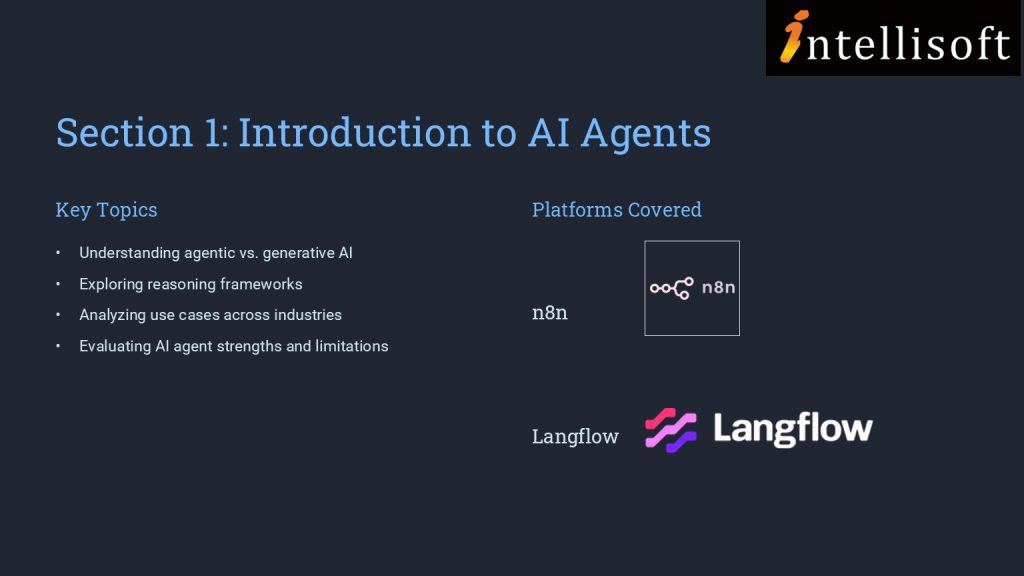
In section 1, we establish the foundational knowledge by introducing you to AI agents and agentic AI workflows. This section covers the basics of AI agents, differentiating between agentic and generative AI, and explores reasoning frameworks and use cases.
You are also introduced to agentic AI platforms like n8n and Langflow, setting the stage for creating AI agents. This foundational knowledge is crucial for analyzing AI agents’ algorithms and identifying their strengths and limitations, addressing the initial performance gap.
Section 2: Developing AI Chatbots
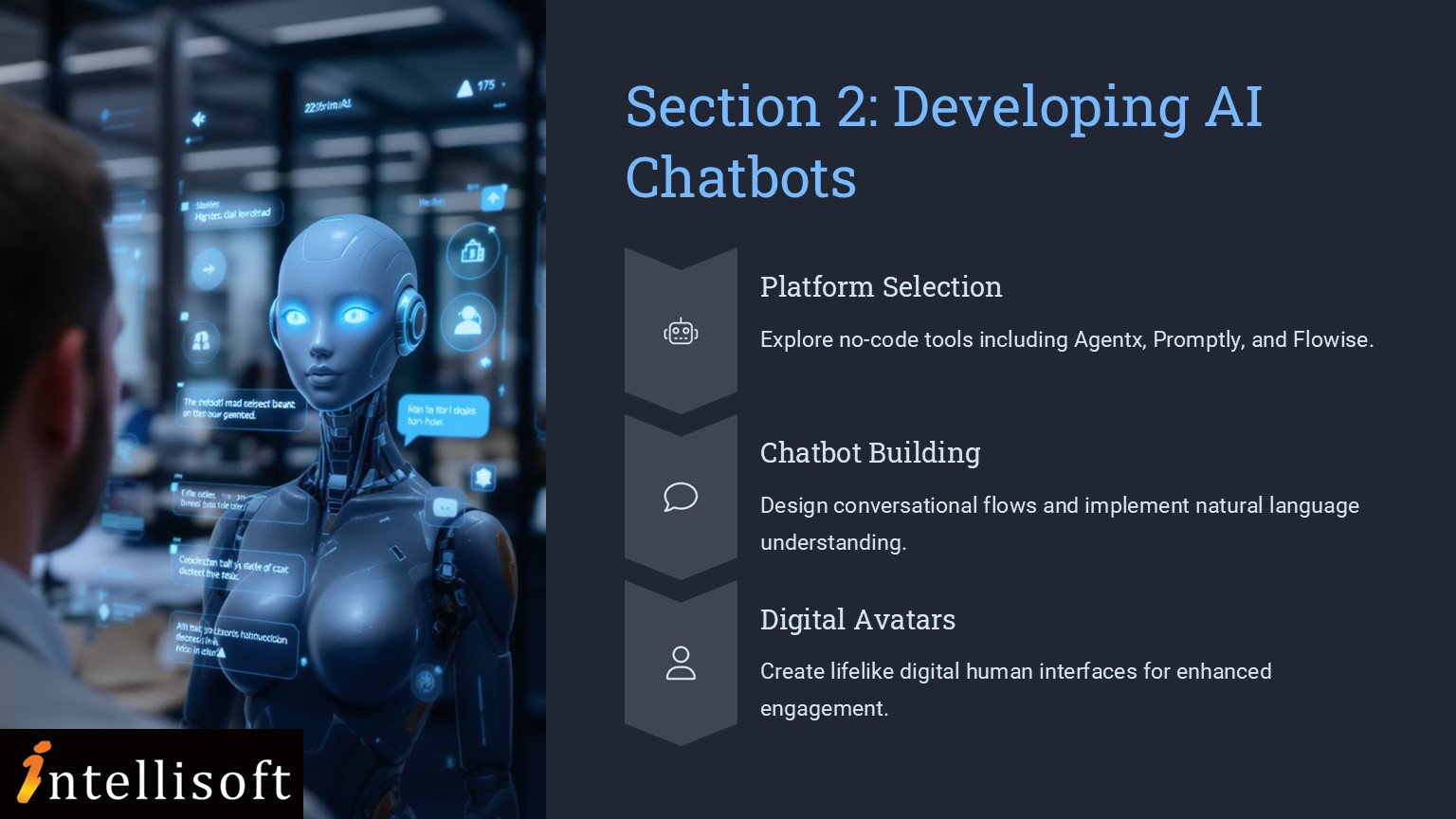
Building on the foundational knowledge, Section 2 delves into the practical aspects of developing AI chatbots on no-code platforms. You are introduced to platforms such as Agentx, Promptly, and Flowise, and engage in creating AI chatbots and digital human avatars.
This section enhances your ability to correlate AI agents’ algorithm design with efficiency and assess improvements in AI applications.
Implementing RAG Applications
Section 3 moves to a higher level of complexity where you will explore the development of Retrieval Augmented Generation (RAG) applications on no-code platforms. This section covers the overview of RAG, creation of agentic RAG applications, and introduces agentic search and deep research.
You will also engage with Microsoft Copilot Studio to create AI agents and RAG applications.
This section equips you with the skills to evaluate AI application effectiveness and assess feasibility for product and maintenance processes.
More information about Creating AI Agentic Automations Without Writing Code
In the fast-evolving world of AI, understanding how to design and deploy intelligent agents—without writing a single line of code—is becoming an essential skill. This course on Agentic AI provides a practical, step-by-step journey into the world of AI agents, empowering learners to conceptualize, build, and deploy AI workflows using non-coding platforms.
Designed for professionals and enthusiasts in product management, technology, and innovation roles, this course demystifies the concepts of agentic AI, chatbot development, and Retrieval Augmented Generation (RAG). Learners will explore no-code tools like n8n, Langflow, Agentx, Flowise, HeyGen, and Microsoft Copilot Studio, gaining hands-on experience to rapidly prototype and deploy AI applications.
By the end of the course, you’ll not only understand the difference between generative and agentic AI, but also be able to create functional AI agents that solve real-world problems—boosting efficiency, user engagement, and business innovation.
Master a practical, step-by-step path to design, prototype and deploy agentic AI workflows that improve efficiency, engagement and business innovation.
🖥️
Learn By Doing
Hands-on exercises on real Singapore business datasets from the very first module.
👥
Small Class Sizes
10–25 participants for personal attention.
📧
Post-Training Support
If you need any help after attending the course, we offer email support to our participants.
What You'll Walk Away With
🤖Build agentic AI automations without writing code using a structured, hands-on approach.
🛠️Gain exposure to no-code AI tools including n8n, Langflow, Agentx, Flowise, HeyGen and Microsoft Copilot Studio.
💬Create AI chatbots, digital human avatars and RAG applications for practical business use cases.
📈Learn to evaluate AI effectiveness, feasibility and workflow design for real-world product and operations scenarios.
What You Will Learn
Learning Outcomes
🧠
Analyse Agentic AI Fundamentals
Understand AI agents, agentic workflows, reasoning frameworks and core use cases for business automation.
🔍
Compare Generative and Agentic AI
Differentiate generative AI from agentic AI so you can select the right approach for each use case.
🧩
Build No-Code AI Agents
Use platforms like n8n and Langflow to start creating AI agents without programming.
💬
Create AI Chatbots Faster
Develop chatbots and digital human avatars on no-code tools such as Agentx, Promptly and Flowise.
📚
Implement RAG Applications Practically
Create Retrieval Augmented Generation applications and explore agentic search and deep research workflows.
🖥️
Use Copilot Studio Effectively
Build AI agents and RAG applications with Microsoft Copilot Studio for workplace scenarios.
📊
Evaluate AI Workflow Feasibility
Assess strengths, limitations, effectiveness and business feasibility for product and maintenance processes.
If you have any questions about your target audience, pre-requisites for this course or want to arrange a corporate training for your company, do let us know. Email to training@intellisoft.com.sg
Before You Attend
Pre-Requisites for Create Agentic AI Automations Without Coding
This Agentic AI course is open to everyone. You just need:
An interest in AI, new technologies, or how things work behind the scenes
Curiosity about web-based apps, no-code or low-code development
No coding experience is required. If you’re comfortable using everyday tools like ChatGPT, Canva, Excel etc. you should be good.
🏛️ Claim 50–70% WSQ funding, use SkillsFuture Credit, and offset remaining fees with UTAP.
Curriculum
Outline for Agentic AI Automation Course
Module 1
Introduction to AI Agents and Workflows
AI agents basics
Agentic vs generative AI
Reasoning frameworks
AI use cases
n8n platform introduction
Langflow platform introduction
Module 2
Developing AI Chatbots
No-code chatbot development
Agentx platform
Promptly platform
Flowise platform
Create AI chatbots
Digital human avatars
Module 3
Implementing RAG Applications
RAG overview
Agentic RAG applications
Agentic search
Deep research
Microsoft Copilot Studio
Evaluate AI effectiveness
This course takes a step-by-step approach to learning and applying agentic AI, starting from core concepts and advancing toward real-world implementation.
The learning path is thoughtfully sequenced to ensure each skill builds on the previous one, providing a clear, logical progression.
Build AI Agents & Chatbots with No Code at Intellisoft Systems Singapore
COURSE OUTLINE for AGENTIC AI AUTOMATION COURSE
🔹 Section 1: Introduction to AI Agents and Workflows
Understand what Agentic AI is, and how it differs from Generative AI.
Explore key reasoning frameworks that power intelligent agents.
Analyze use cases across industries and identify where agentic workflows can be applied.
Create your first AI agent using platforms like n8n and Langflow.
🔹 Section 2: Developing AI Chatbots
Dive into no-code chatbot development using Agentx, Promptly, and Flowise.
Learn how to integrate digital human avatars via HeyGen to create engaging AI experiences.
Correlate AI algorithm design with efficiency in product management workflows.
Improve existing agent applications for real-world use cases.
🔹 Section 3: Implementing RAG Applications
Understand the architecture and benefits of Retrieval Augmented Generation (RAG).
Build agentic RAG applications to enhance AI reasoning and context retention.
Leverage Microsoft Copilot Studio to develop intelligent RAG-based search and research agents.
Evaluate AI’s effectiveness and feasibility for product development and maintenance.
By progressing from foundational theory to hands-on practice and advanced applications, you are equipped not just with tools, but with strategic insight into building scalable, intelligent systems in this practical Agentic AI Automation course in Singapore at Intellisoft.
Your Trainer
👤
Your Trainer
Vinai Prakash
MBAMicrosoft Certified Trainer35+ Years Experience
Vinai Prakash is a technology trainer, consultant, author, and the Founder of Intellisoft Systems. With 35+ years of experience in information technology, business analytics, automation, artificial intelligence, and digital transformation, he has trained over 45,000 professionals from government agencies, MNCs, financial, educational institutions, and SMEs across Singapore and the region.
Vinai specializes in helping organizations leverage data, automation, and emerging technologies to improve productivity, enhance decision-making, and accelerate business transformation.
He is the author of the Amazon bestselling book *Excel Crash Course* and has contributed articles on technology, business intelligence, and data analytics to The Straits Times and other leading business publications. His expertise spans Data Analytics with Excel and Power BI, SQL, Python, Microsoft Power Platform, Microsoft 365 Copilot, Agentic AI, Claude Code, OpenAI Codex, n8n Automation, Project Management, and Digital Productivity Solutions.
He is widely recognized for his ability to simplify complex technical concepts and translate them into practical, real-world solutions that participants can immediately apply in their work.
Trusted by professionals from 500+ organisations
Training Course Fees & Funding
Full course fee: S$1,000.00
(before GST & government funding)
TGS: TGS-2025054773
Foreigners & other pass holders: Government grants are not applicable. Full course fee of S$1,000.00 + 9% GST = S$1,090.00 applies. Contact us for more details.
* Terms & conditions apply. Funding subject to eligibility and approval by respective agencies. GST applies on full course fee before subsidy. Fee information is accurate as of Sep 2026.
Register
Register for this AI Automation With Agents Course
What Past Agentic AI Course Singapore Participants Say
★★★★★
To create own AI Agent , RAG and link to vector database. Mr Vinai Prakash is very patient to answer all doubts of questions from students.
A
ADELINE TAN
Systems Analyst, Statschippac Ltd
★★★★★
I enjoyed and learned 3 most interesting things:
1) 3 types of low code development of Agentic AI
2) requirement for AI dbase e.g. Vector
3)The world of Agentic AI is a leap front to a different era with major shifts requiring new skillset and use of human intervention/efforts to bring relevance to the employment market
H
Hazel Tee
Senior Manager, Visa
★★★★
Learning the different models and have a hands on try out and subsequently can make personal assessment which model is most useful and suitable for work.
C
Chong Yan Ting
Business Owner
★★★★★
Creating AI agents is actually doable and beginner friendly. We received free access to useful platforms. Our Trainer Vinai remembers our names!
C
Cheong Sze Pei
★★★★★
The most interesting things are AI Agents, Flowise and n8n is really interesting to use. The practical exercises and learning about the variety of tools. Great Trainer! I learned and used n8n, Flowise, Copilot Studio.
T
Tan Leng Seng
CMO
★★★★
Using AgentX to create chat bot, using FLOWISE AI, generating API keys. Thank you for the resourceful and insightful session.
T
Thinn Thinn Hlaing
Executive, DBS
★★★★★
Never used Flowise and n8n. Nice to learn new tools.
J
Jarryd Anderson
IT Director
★★★★
Learnt various tools
Good theory
Interesting use cases
Y
Yap Joon Woon
Senior Manager, Ministry of Manpower
★★★★
The introduction of the various technologies for agenti AIs was most interesting. I loved the demo and hands on experience to build these chatbots. The ease to start building these chatbots is amazing.
A
Augustine
Barclays
★★★★★
I learned What is Agentic AI?, What are the tools available?, How fast the industry has evolved?
It was fun with 1. Hands On Practise, 2. Trainer's style of teaching, 3. Questions asked by classmates.
Enter your details and we'll send the full course brochure — complete outline, funding details, and registration instructions.
✅ Brochure on its way — check your inbox!
Free Tips, Tutorials & Training Grants Info
Learn from expert tips, tricks and resources for Excel, PowerPoint, Photoshop, Python, Power BI, Project Management, IT, Soft Skills & more with our Email Newsletter. Plus get the latest news on Grants. Join Today!