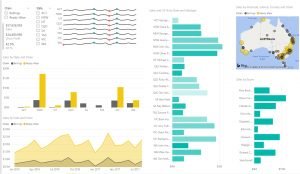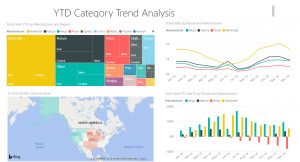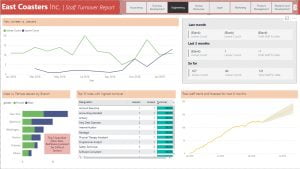








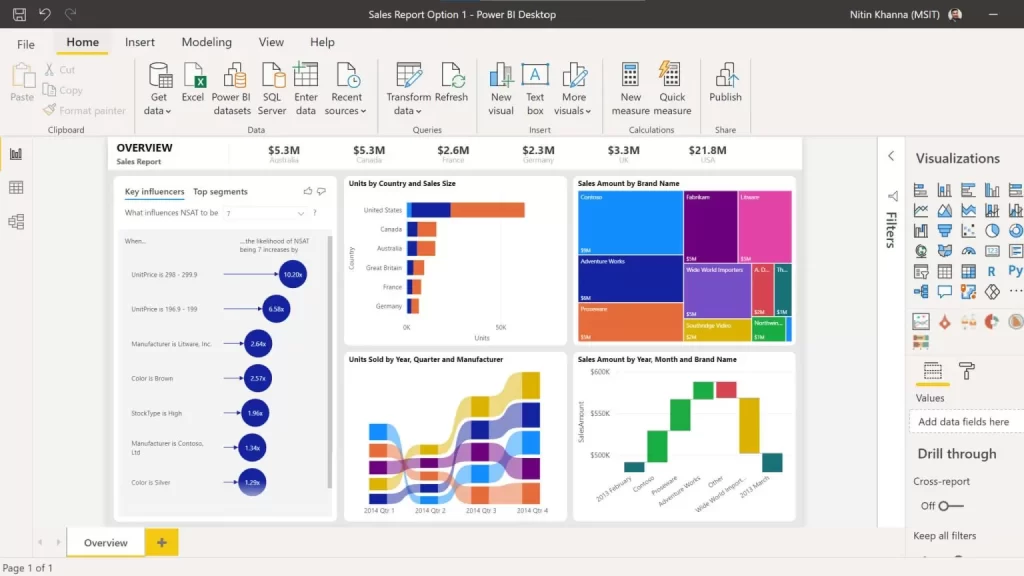
The main objective of this WSQ Funded SkillsFuture Course on Power BI is to learn how to analyze and visualize data using the Microsoft Power BI Tool easily.
Data Analytics and Visualization With Power BI is a hands-on data analytics course on Microsoft’s BI tools: Power Query, the data model, DAX measures and the Power BI Service. You learn to analyse, visualise and share business reports yourself.
- Understand Power Query to load data from any source and cleanse it
- Learn to Create DAX Measures, and how to apply them to your job.
- Achieve better and faster results than with existing Microsoft tools.
- Produce valuable KPI metrics for your business that never existed before.
- Learn practical tips to solve common reporting problems.
Logistics
This 2 Day Power BI Data Analytics and Data Visualization Training Course will be held in Singapore. Tea/Coffee, Light Snacks are provided in this training at Fortune Centre, 190 Middle Road. We are located near Rochor, Bencoolen, Bras Basah & Bugis MRT Stations. Classes run from 8:45 AM to 5:45 PM on both days.
UTAP Funding: NTUC Members can utilize UTAP to offset 50% of the remaining fees and learn Power BI at Intellisoft Systems in Singapore*.
Learn Power BI at Intellisoft, Founded by Microsoft Certified Trainer Vinai Prakash
Learn Power BI and visualize data to gain insights into your data immediately. Present data in charts and dashboards over the Power BI service, offering auto-refresh on a daily or hourly basis.
Corporate Power BI Training in Singapore
Corporate training is available for company groups, at your premises or ours. Contact us for a
tailored proposal. We have conducted several Corporate Training Workshops on Microsoft Power BI at MSD, MasterCard, Rolls Royce, NUH, GSK, Shell, NIIT, Manulife, SIA, Sony, SP Power, Samsung, Vodafone and several other government and private organizations in Singapore, Malaysia, Indonesia, Australia, Egypt, Zimbabwe etc.
We also run public and corporate classes in Python, Tableau, SQL, Advanced Excel, PowerPoint, Power Apps and Power Automate.