WSQ COURSE TITLE: Infographics & Data Visualization With Excel
Advanced Excel Course at Intellisoft Singapore covers the most important, key features of Microsoft Excel.
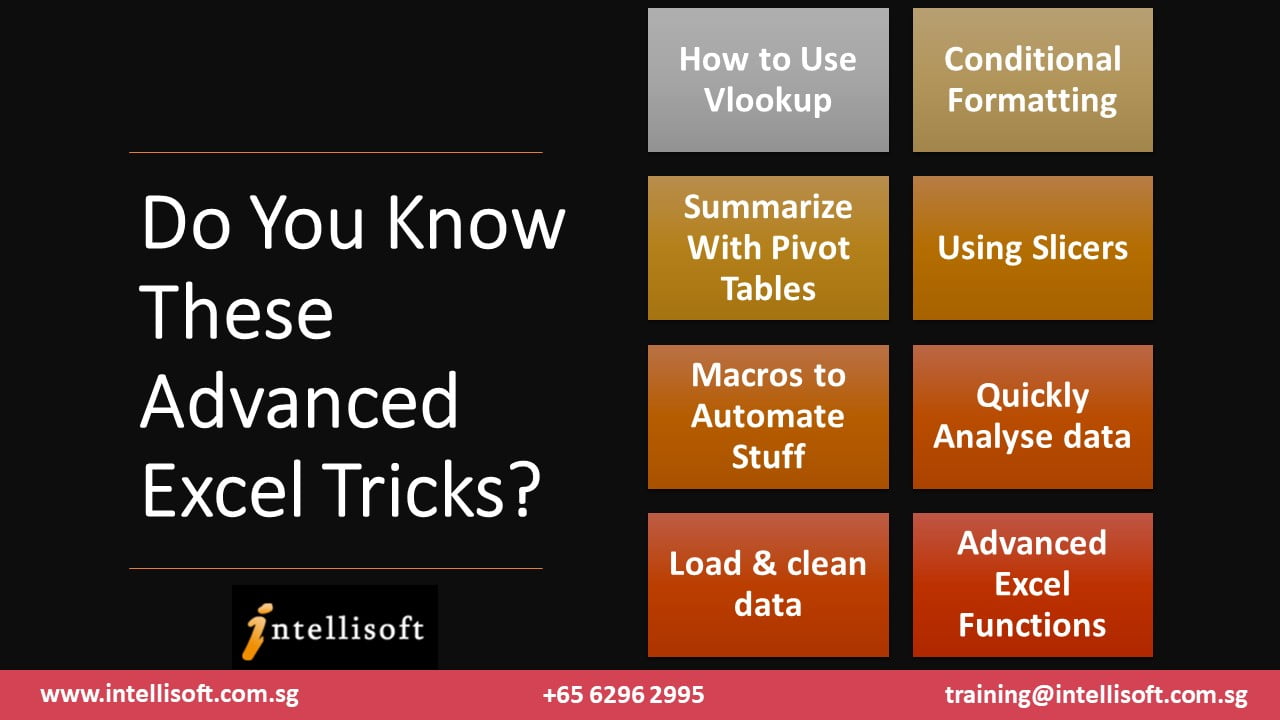
Attend our Advanced Excel Training to master the following skills in Microsoft Excel:

- How to Create & Use Pivot Tables in Excel,
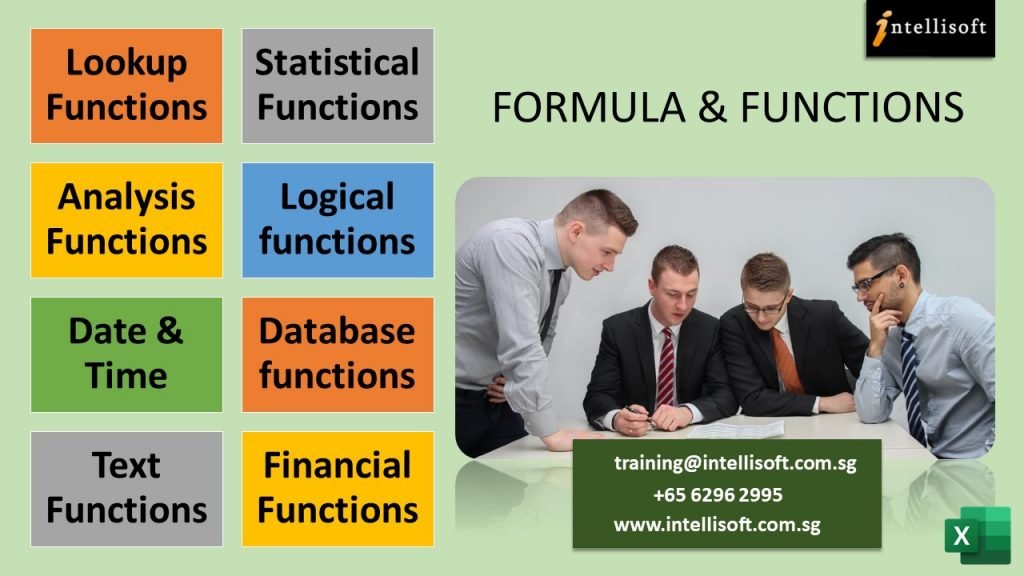
- Excel Functions like Vlookup, XLookup, Sumif, If, Countif
- Using Excel Macros – What are they and how to record a macro
- Advanced Sorting & Filtering using Advanced Excel functionality
- Advanced Conditional Formatting & Custom Formatting Techniques
- Applying Database Functions
- Creating & Using Range Names in Excel
- Sharing of Excel Files with multiple team members
- Combining data from numerous files & sheets easily
- Advanced Charting Techniques that go beyond bar and column charts
Microsoft Excel course participant at Intellisoft learn practical steps:
“The Advanced Excel course will help me get my job done quickly and easily. The things that I used to take many hours will now take only a few minutes using formulas, macros and other tricks I learnt in the Excel 365 workshop” – Carmen Leow, Pan Pacific Hotel, Singapore.
WSQ Funding is available to Singapore Companies (company-sponsored). Call +65 6250-3575 for any support or training details.
Advanced Microsoft Excel Training Course Syllabus
Day 1 of Advanced Excel 365 TrainingLesson 1: Custom & Conditional Formats
Lesson 2: Using Formulas & Functions
Lesson 3: Working with Range Names
Lesson 4: Using Advanced Functions of Excel
Lesson 5: Managing Tables in Excel
Lesson 6: Using Auto & Advanced Filters in Excel
|
Day 2 of Advanced Excel 365 TrainingLesson 7: Getting Most from your Data
Lesson 8: Working with Excel Charts
Lesson 9: Working with Pivot Tables To Build Advanced Excel Skills
Lesson 10: Using Shared Workbooks
Lesson 11: Worksheet Protection
Lesson 12: Combining & Linking Multiple Workbooks in Excel
Lesson 13: Working with Excel Macros
|
DAY 3: Data Storytelling
Creation of Infographics
- Design & Create infographics, and
- Infographic Design
- Standards & Best Practices
Visual Data Story Telling
- Different Ways to execute visual data storytelling
- Create a complete, compelling Story with Infographics & Visualizations

We have created this Advanced Excel Course to make sure you pick the most important functions created by Microsoft.
You absolutely must know how to use Pivot tables in Excel, Record Macros in Excel, and Master Pivot Tables in Excel at a minimum.
The objective of our Excel courses
The main objective of attending an Advanced Excel course is to master the critical pro tips and tricks that will make you shine in your workplace as an analyst and get your job done in record time… boosting your productivity and employability.
We cover the Best Excel Training Topics that everyone wants to learn in Singapore.
Microsoft introduced lookup functions like VLOOKUP & XLOOKUP to speed up your checking of prices, employee grades from master tables using Excel. This is a huge time saver and is known to be the most helpful function of Microsoft Excel.
When looking for people to hire with Advanced Excel skills, employers in Singapore always look for knowledge of VLOOKUP & XLOOKUP, ADVANCED PIVOT TABLE TECHNIQUES, and EXCEL MACROS.
Understand how you can apply the Advanced functions of Microsoft Excel 365 to improve productivity, enhance spreadsheets with charts & formulas and streamline your work. Such functional IT training can help you move into an analyst career or data science.
With our SkillsFuture Excel Courses, Learn how you can:
- Automate common tasks like compiling reports and worksheets with Macros,
- Apply Advanced Data analytics techniques to generate insights from your data,
- Collaborate with multiple team members on Excel worksheets to save time, and
- Leverage Excel’s advanced formulas & functionality to simplify office work.
Learn Excel Functions to become Great at Financial Accounting.
Fundamental knowledge of Microsoft Excel functions is sufficient for this Excel course.
You must know how to start Excel, key in numbers, text, and do simple formatting. You should know the basic functions like Sum, Count etc.
The Advanced Microsoft Excel Courses by Intellisoft will teach you the skills to perform advanced spreadsheet skills with ease.
The Excel exercises are very practical and hands-on. Be prepared to do a lot of exercises to hone your Excel spreadsheet software skills in the class.
Our Excel course will teach you to use VLookup, Pivot Tables, Macros, and tons of useful shortcuts, tips, tricks to improve your productivity and take your Excel skills to the next level in any industry. Adults and students both can benefit from our practical IT Training courses in Singapore.
Our Best Excel course in Singapore will help you if you are from an HR, financial analyst, data analyst, marketing, sales, services or manufacturing environment.
It is especially suitable for people from Services, Accounting, Finance, Sales in Health Care, Pharma, or any other business in Singapore.
Even college students have learnt many things from our Intermediate & Advanced courses on MS Excel with SkillsFuture and other SSG Government Grants.
The target audience for our Advanced Excel course in Singapore with SkillsFuture typically includes individuals who already have a basic understanding of Excel and want to enhance their skills to become more proficient and efficient in using Microsoft Excel software. The course is suitable for a wide range of professionals, including:
- Business Analysts: Professionals involved in data analysis, reporting, and decision-making processes benefit from Advanced MS Excel skills to manipulate and analyze large datasets, create complex formulas, and generate insightful reports.
- Financial Analysts: Those working in finance and accounting roles can utilize Advanced Excel techniques to build financial models, perform advanced calculations, analyze financial data, and create interactive dashboards.
- Data Analysts: Professionals working with data, such as data scientists or data analysts, can leverage Advanced Excel features to clean, transform, and analyze data, apply statistical functions, and build data visualizations.
- Project Managers: Project managers often use Excel for project planning, tracking, and reporting. An Advanced Excel course can teach them advanced techniques for project management, such as using formulas for resource allocation, creating Gantt charts, and automating project-related tasks.
- Researchers and Academics: Individuals in research or academic settings can benefit from Advanced Excel skills for data management, statistical analysis, and creating visual representations of research findings.
- Administrative Professionals: Administrative assistants, office managers, and other support staff can enhance their productivity by learning Advanced Excel techniques for managing databases, creating macros, and automating repetitive tasks.
- Entrepreneurs and Small Business Owners: Individuals running their own businesses can use Advanced Excel skills to track finances, analyze sales data, manage inventory, and create financial projections.
It’s important to note that the target audience may vary depending on your specific focus for this SkillsFuture Advanced Excel course Singapore.
This Advanced Excel Training Course is not for Excel beginners.
If you do not know how to copy information from one Excel worksheet cell to another, then this Advanced course is not for you. Join our Excel for Beginners / Intermediate training program first.
Join the MS Excel Advanced course only if you have been using Microsoft Excel for at least 2-3 months & know the basics of Excel.
Are you ready to learn the more advanced functions, tricks and techniques of Excel practically?
We will provide a certificate of attendance to all participants who complete our Best Advanced Excel Class at Intellisoft Systems Singapore.
For any other questions about why you must learn Microsoft technologies, check out our detailed guide on How to Learn Excel fast.
Post-Course Support
- We provide free consultation related to the subject matter after the course.
- Please email your queries to training@intellisoft.com.sg and we will forward your queries to the subject matter experts.
Venue:
All courses are conducted at Intellisoft Training Rooms at 190 Middle Road, 10-08 Fortune Centre, Singapore 188979.
Short walk from Bencoolen MRT, Bugis, Rochor, Bras Basah MRT stations. The venue is disabled-friendly. For directions, click Contact Us.
We have created this Advanced Excel Course to make sure you pick the most important functions created by Microsoft.
You absolutely must know how to use Pivot tables in Excel, Record Macros in Excel, and Master Pivot Tables in Excel at a minimum.
The objective of our Excel courses
The main objective of attending an Advanced Excel course is to master the critical pro tips and tricks that will make you shine in your workplace as an analyst and get your job done in record time… boosting your productivity and employability.
We cover the Best Excel Training Topics that everyone wants to learn in Singapore.
Microsoft introduced lookup functions like VLOOKUP & XLOOKUP to speed up your checking of prices, employee grades from master tables using Excel. This is a huge time saver and is known to be the most helpful function of Microsoft Excel.
When looking for people to hire with Advanced Excel skills, employers in Singapore always look for knowledge of VLOOKUP & XLOOKUP, ADVANCED PIVOT TABLE TECHNIQUES, and EXCEL MACROS.
Understand how you can apply the Advanced functions of Microsoft Excel 365 to improve productivity, enhance spreadsheets with charts & formulas and streamline your work. Such functional IT training can help you move into an analyst career or data science.
With our SkillsFuture Excel Courses, Learn how you can:
- Automate common tasks like compiling reports and worksheets with Macros,
- Apply Advanced Data analytics techniques to generate insights from your data,
- Collaborate with multiple team members on Excel worksheets to save time, and
- Leverage Excel’s advanced formulas & functionality to simplify office work.
Learn Excel Functions to become Great at Financial Accounting.
The target audience for our Advanced Excel course in Singapore with SkillsFuture typically includes individuals who already have a basic understanding of Excel and want to enhance their skills to become more proficient and efficient in using Microsoft Excel software. The course is suitable for a wide range of professionals, including:
- Business Analysts: Professionals involved in data analysis, reporting, and decision-making processes benefit from Advanced MS Excel skills to manipulate and analyze large datasets, create complex formulas, and generate insightful reports.
- Financial Analysts: Those working in finance and accounting roles can utilize Advanced Excel techniques to build financial models, perform advanced calculations, analyze financial data, and create interactive dashboards.
- Data Analysts: Professionals working with data, such as data scientists or data analysts, can leverage Advanced Excel features to clean, transform, and analyze data, apply statistical functions, and build data visualizations.
- Project Managers: Project managers often use Excel for project planning, tracking, and reporting. An Advanced Excel course can teach them advanced techniques for project management, such as using formulas for resource allocation, creating Gantt charts, and automating project-related tasks.
- Researchers and Academics: Individuals in research or academic settings can benefit from Advanced Excel skills for data management, statistical analysis, and creating visual representations of research findings.
- Administrative Professionals: Administrative assistants, office managers, and other support staff can enhance their productivity by learning Advanced Excel techniques for managing databases, creating macros, and automating repetitive tasks.
- Entrepreneurs and Small Business Owners: Individuals running their own businesses can use Advanced Excel skills to track finances, analyze sales data, manage inventory, and create financial projections.
It’s important to note that the target audience may vary depending on your specific focus for this SkillsFuture Advanced Excel course Singapore.
This Advanced Excel Training Course is not for Excel beginners.
If you do not know how to copy information from one Excel worksheet cell to another, then this Advanced course is not for you. Join our Excel for Beginners / Intermediate training program first.
Join the MS Excel Advanced course only if you have been using Microsoft Excel for at least 2-3 months & know the basics of Excel.
Are you ready to learn the more advanced functions, tricks and techniques of Excel practically?
We will provide a certificate of attendance to all participants who complete our Best Advanced Excel Class at Intellisoft Systems Singapore.
For any other questions about why you must learn Microsoft technologies, check out our detailed guide on How to Learn Excel fast.
Advanced Microsoft Excel Training Course Syllabus
Day 1 of Advanced Excel 365 TrainingLesson 1: Custom & Conditional Formats
Lesson 2: Using Formulas & Functions
Lesson 3: Working with Range Names
Lesson 4: Using Advanced Functions of Excel
Lesson 5: Managing Tables in Excel
Lesson 6: Using Auto & Advanced Filters in Excel
|
Day 2 of Advanced Excel 365 TrainingLesson 7: Getting Most from your Data
Lesson 8: Working with Excel Charts
Lesson 9: Working with Pivot Tables To Build Advanced Excel Skills
Lesson 10: Using Shared Workbooks
Lesson 11: Worksheet Protection
Lesson 12: Combining & Linking Multiple Workbooks in Excel
Lesson 13: Working with Excel Macros
|
DAY 3: Data Storytelling
Creation of Infographics
- Design & Create infographics, and
- Infographic Design
- Standards & Best Practices
Visual Data Story Telling
- Different Ways to execute visual data storytelling
- Create a complete, compelling Story with Infographics & Visualizations
Fundamental knowledge of Microsoft Excel functions is sufficient for this Excel course.
You must know how to start Excel, key in numbers, text, and do simple formatting. You should know the basic functions like Sum, Count etc.
The Advanced Microsoft Excel Courses by Intellisoft will teach you the skills to perform advanced spreadsheet skills with ease.
The Excel exercises are very practical and hands-on. Be prepared to do a lot of exercises to hone your Excel spreadsheet software skills in the class.
Our Excel course will teach you to use VLookup, Pivot Tables, Macros, and tons of useful shortcuts, tips, tricks to improve your productivity and take your Excel skills to the next level in any industry. Adults and students both can benefit from our practical IT Training courses in Singapore.
Our Best Excel course in Singapore will help you if you are from an HR, financial analyst, data analyst, marketing, sales, services or manufacturing environment.
It is especially suitable for people from Services, Accounting, Finance, Sales in Health Care, Pharma, or any other business in Singapore.
Even college students have learnt many things from our Intermediate & Advanced courses on MS Excel with SkillsFuture and other SSG Government Grants.
Post-Course Support
- We provide free consultation related to the subject matter after the course.
- Please email your queries to training@intellisoft.com.sg and we will forward your queries to the subject matter experts.
SkillsFuture Ready
Singaporeans can use $500 SkillsFuture Credits for this training to offset the course fees.
Contact us for advise on how to go about claiming your SkillsFuture.
Get Started Today!

Learn By Doing
You learn best when you Do It Yourself.
We teach you, step by step, how you can learn new skills, build your knowledge and enhance your career prospects quickly & easily, with Practical Tips & Tricks!

Claim SDF Grant
Companies sponsoring their staff for training can Claim SDF Funding, subject to SSG Eligibility Criteria.
Applicable for Company Sponsored Singaporeans & PRs.
Register for the 3 Day Advanced Microsoft Excel Training Course With SkillsFuture Today – WSQ COURSE TITLE: Infographics & Data Visualization With Excel

To claim WSQ Funding of upto 70% for this training, you must register for the training at our website.
Individual Singaporeans can use SkillsFuture credits funding to offset the cost of this training. Training seats are available in the Excel class in Singapore. Simply call us to enquire or register for the next Microsoft workshop.
Call us at +65 6250-3575 or email to training@intellisoft.com.sg for any questions, support, or to register for the upcoming Advanced Excel workshop in Singapore with SkillsFuture.
We also offer Customized Corporate Training for Basic Excel Training, Advanced Excel & the Excel Dashboard MasterClass also. If you have a group of participants, we can conduct this training at your company office too. Contact us for details.
📢 Special Offer: Advanced Excel Training for Your Entire Workforce!
Unlock the full potential of your team with our comprehensive Advanced Excel training program tailored specifically for your company!
Empower your workforce with the skills they need to excel in data analysis, streamline processes, and drive productivity to new heights. Take advantage of our enticing offer and witness a transformation in your organization’s efficiency.
🎯 Benefits of Corporate Excel Training for Your Company:
1️⃣ Boost Productivity: Equip your employees with Advanced Excel skills to optimize data handling, automate tasks, and eliminate manual errors. Watch as productivity soars across departments.
2️⃣ Enhanced Data Analysis: Unleash the power of Excel’s advanced formulas, functions, and pivot tables to uncover valuable insights from complex datasets. Empower your teams to make data-driven decisions with confidence.
3️⃣ Streamlined Processes: Our training will demonstrate how to leverage macros, automation, and efficient data management techniques to streamline workflows, saving valuable time and resources.
4️⃣ Improved Reporting: Transform your reports from basic to professional-grade with advanced charting techniques and visually stunning dashboards. Impress clients, stakeholders, and management with compelling data visualizations.
5️⃣ Customized Curriculum: Our expert instructors will develop a customized curriculum tailored to your company’s needs, addressing specific industry challenges and job roles within your organization.
6️⃣ On-Site Convenience: We bring the training directly to your office, saving you time and logistics. Our experienced trainers will conduct engaging sessions at your preferred schedule, ensuring maximum participation.
7️⃣ Team Building Opportunity: Our training sessions offer an excellent team-building opportunity, fostering collaboration and knowledge sharing among your employees. Watch as your workforce bonds and grows together.
🔒 Limited-Time Offer: Book our Advanced Excel training for your entire workforce today and enjoy these exclusive benefits:
✅ Special discounted rates for bulk registrations.
✅ Complimentary post-training support and access to our online resource center.
✅ Flexible training options, including customizable schedules to accommodate your team’s availability.
📞 Act Now! Don’t miss out on this opportunity to empower your workforce and drive your company’s success through Advanced Excel skills.
Contact us today to schedule a consultation and secure your training dates.
🚀 Take your company’s productivity to the next level with our Advanced Excel training. Invest in your team’s growth and reap the rewards of a more efficient and data-driven organization! 📈